
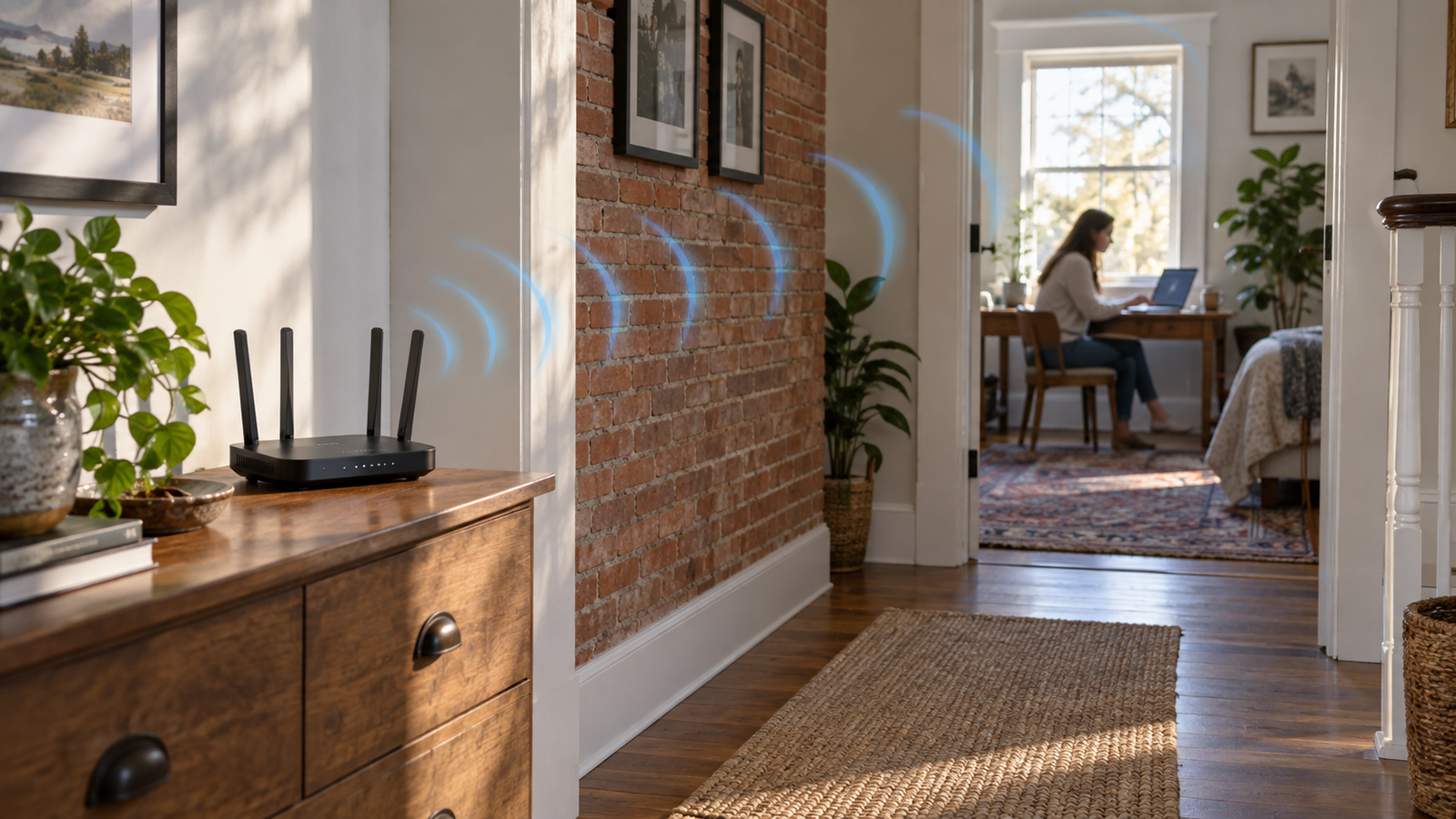
Your broadband package says 500 Mbps.
Your phone beside the router gets something close to it.
You walk upstairs, close two doors, settle into the bedroom and suddenly the internet appears to have been replaced with a carrier pigeon.
Nothing has happened to the fibre coming into your house.
The problem is what happens after the signal leaves the router.
Wi-Fi is radio, and your home is full of things radio waves have to pass through.
Some of those things are surprisingly good at getting in the way.
Wi-Fi Is Just Invisible Radio
A Wi-Fi router transmits information using electromagnetic radio waves.
Your phone, laptop, television, smart speaker, and other devices receive those waves and send signals back.
In open space, that works remarkably well.
Inside a house, however, the signal encounters walls, floors, furniture, pipes, appliances, people, and anything else sitting between the router and your device.
Every obstacle can absorb, reflect, scatter, or otherwise weaken some of the signal.
By the time it reaches the far end of the house, there may simply be much less of it left.
Not All Walls Are Equally Bad
A thin internal plasterboard wall is usually less troublesome than a thick brick wall.
Concrete can be worse.
Reinforced concrete adds metal into the equation, which can make signal loss more severe.
Foil-backed insulation, metal structures, large appliances, and certain types of glazing can also cause problems.
Older houses can therefore be particularly unpredictable.
One room might have an excellent connection while another apparently exists in a Wi-Fi exclusion zone despite being only a few metres away.
The distance is not necessarily the important bit.
What is between you and the router matters too.
Closing a Door Really Can Make a Difference
A normal wooden internal door is unlikely to annihilate your Wi-Fi by itself.
But wireless coverage is cumulative.
If the signal has already passed through a floor, two walls, a wardrobe, and half a kitchen, one more obstruction may be enough to push a borderline connection into noticeably worse performance.
That is why tiny changes sometimes appear to have absurd effects.
Move the laptop half a metre.
Open a door.
Shift the router onto a shelf.
Suddenly everything works better.
You have not performed technological witchcraft. You have altered the route the radio signal is taking.
2.4 GHz and 5 GHz Behave Differently
Modern routers commonly use the 2.4 GHz and 5 GHz frequency bands, while newer Wi-Fi equipment can also use 6 GHz.
Those bands have different strengths.
Lower-frequency 2.4 GHz signals generally travel farther and cope better with walls and other obstacles.
The trade-off is that 2.4 GHz offers less capacity and is often more congested because so many devices use it.
5 GHz can provide much higher speeds and more available bandwidth but usually has a shorter useful range.
6 GHz offers even more high-capacity spectrum on compatible Wi-Fi 6E and Wi-Fi 7 equipment, but it is not magically immune to the basic physics of sending radio through buildings.
This means the fastest Wi-Fi band beside the router is not always the best band three rooms away.
Why More Signal Bars Usually Means More Speed
Wi-Fi does not simply work at one fixed speed until the signal disappears.
Your router and device continually adapt the way they communicate according to signal quality.
When conditions are excellent, they can use faster and more complex transmission methods.
As the connection weakens or becomes noisy, they may fall back to slower but more reliable methods.
So a weak Wi-Fi signal can mean more than just the occasional dropped connection.
The network may deliberately slow itself down so that the data actually gets through.
Your Neighbours Can Get Involved Too
Walls are only one part of the problem.
Wi-Fi networks share chunks of radio spectrum.
If you live somewhere with dozens of nearby routers — a block of flats, for example — several networks may be trying to use overlapping channels.
Other electronic devices can create interference too.
The 2.4 GHz band is particularly busy because it is used by numerous technologies.
You can therefore have a strong Wi-Fi signal and still experience disappointing performance because the airwaves themselves are crowded.
Router Position Matters More Than People Think
A router hidden behind the television, shoved into a cupboard at floor level, or placed at one extreme end of the house has been given a fairly miserable job.
Generally, Wi-Fi equipment performs better when it is positioned openly and reasonably centrally.
Elevation can help too.
Every unnecessary object between the router and the places where you actually use Wi-Fi is another opportunity to weaken the signal.
Putting a beautiful new router inside a metal cabinet because the flashing lights are annoying is therefore not an especially sophisticated networking strategy.
What Mesh Wi-Fi Actually Fixes
A mesh system does not somehow make walls transparent.
Instead, it places additional Wi-Fi points around the property.
Your device can connect to a nearer access point rather than trying to communicate directly with one router through half the building.
The best systems can also use wired Ethernet connections between those access points, meaning the data does not have to make the entire journey wirelessly.
Essentially, if the signal cannot reliably cross your house, you stop asking it to.
The Bottom Line
Wi-Fi gets worse through walls because Wi-Fi is made of radio waves, and physical objects weaken those waves.
The thicker and denser the obstruction, the more trouble it can cause.
Higher-frequency Wi-Fi bands can provide excellent speeds but generally have less range, while lower-frequency 2.4 GHz signals usually travel farther and penetrate obstacles better.
That is why moving your router, opening a door, or adding another access point can produce a surprisingly dramatic improvement.
Your broadband did not suddenly get slower upstairs.
Your house was in the way.
FAQ
Why is my Wi-Fi fast near the router but slow upstairs?
Distance and the walls or floors between your device and the router weaken the wireless signal, forcing the connection to operate less efficiently.
Does 2.4 GHz Wi-Fi go through walls better than 5 GHz?
Generally, yes. 2.4 GHz normally provides longer range and copes better with obstacles, although 5 GHz can provide much higher speeds when signal conditions are good.
Can brick walls block Wi-Fi?
Brick does not normally block Wi-Fi completely, but thick masonry can significantly weaken the signal.
Will opening a door improve Wi-Fi?
Sometimes. A single door may have only a modest effect, but removing any obstruction can help when the existing connection is already weak.
Where should I put my router?
Usually somewhere open, elevated, and reasonably central to the areas where you need coverage rather than hidden inside furniture or at one extreme of the property.
Sources
How to improve Nest Wifi Pro, Nest Wifi or Google Wifi speed and performance :: https://support.google.com/googlehome/answer/7578264?hl=en-GB
2.4 GHz vs. 5 GHz vs. 6 GHz: What’s the Difference? :: https://www.intel.com/content/www/us/en/products/docs/wireless/2-4-vs-5ghz.html