
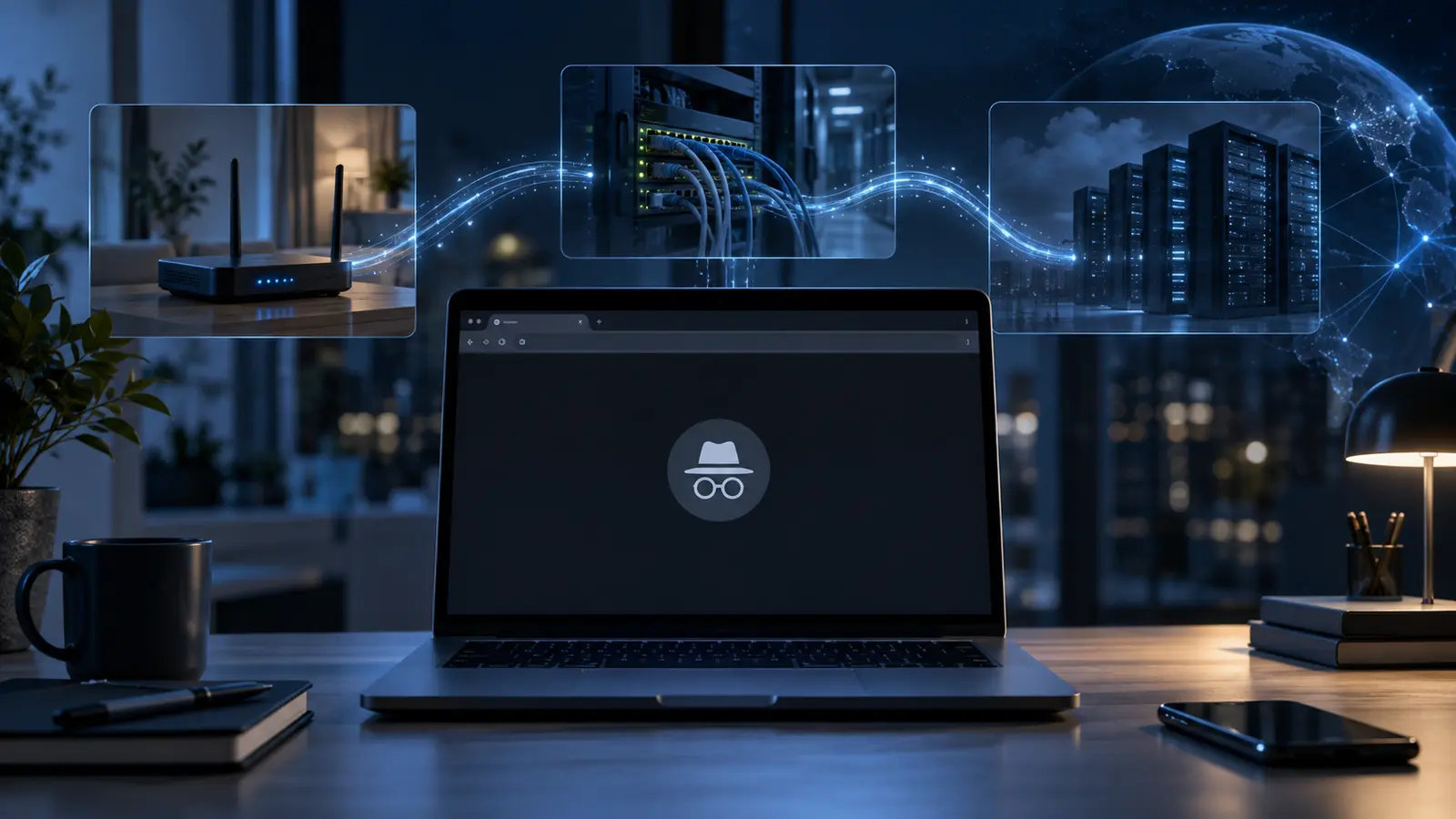
Why doesn’t incognito mode make you anonymous? Because it mainly changes what your browser keeps on the device after the session. It does not disguise where your internet traffic comes from, stop websites receiving it or erase records held elsewhere.
The name sounds more mysterious than the feature really is. Incognito in Chrome, Private Browsing in Firefox and similar modes are best understood as temporary local sessions. They are genuinely useful, but they solve a narrower privacy problem than many people assume.
What incognito mode actually does
Opening an incognito window starts a separate browser session. It normally begins without the cookies from your everyday session, so you are not automatically logged into most sites. Cookies and site data created inside that private session are kept temporarily so pages can work, then removed when every incognito window is closed.
The browser also avoids adding visited pages and searches to its ordinary local history. That makes the mode handy on a shared computer, when checking how a page looks while logged out, signing into a second account, or shopping for a surprise without leaving an obvious entry in the history menu.
It is not a perfect vanishing act even on the device. Chrome says that bookmarks saved and files downloaded during an incognito session remain after it ends. A downloaded file may still appear in the computer’s Downloads folder, and anything copied, printed, screenshotted or saved by another application still exists.
What remains visible outside the browser
To load a page, your device still has to send requests across a network. The destination site can see the connection, including its public internet address, and may record pages requested, times, account activity and information supplied in forms. If you sign into an account, the service does not forget who you are merely because the browser window is dark.
The organisations carrying the traffic can also retain visibility. A school or employer managing the network may log connections. An internet service provider can see that traffic is being exchanged with particular services, although HTTPS normally encrypts the contents of the pages in transit. Incognito does not replace that encryption and does not tunnel traffic through a different network.
Monitoring software installed on the computer is another separate layer. Device-management tools, parental controls, security products or malware can observe activity independently of the browser’s history. Private mode cannot override an administrator’s systems or clean records already sent to them.
Cookies are only one way to recognise a visitor
Deleting session cookies makes simple continuity harder, but sites have other clues. Your IP address gives a rough network location and groups requests coming from the same connection. If you log in, click a personalised link or provide identifying details, the site can connect the activity to you directly.
There is also browser fingerprinting. A site can combine details exposed by the browser and device—such as screen dimensions, language, time zone, graphics behaviour and supported features—into a pattern that may distinguish one browser from many others. Private mode may alter or restrict some signals, depending on the browser, but it is not designed to guarantee an unrecognisable fingerprint.
That distinction is similar to the hidden engineering that lets QR codes work when partly damaged: what a feature appears to do is not the same as the limited job its underlying design actually performs.
Private is not the same as anonymous
Privacy means controlling who can see particular information. Anonymity means preventing an activity from being connected to your identity. Incognito improves one slice of privacy by reducing traces in the browser profile you are using. It does not provide anonymity across the rest of the internet.
A virtual private network changes which public IP address a destination sees and can hide some network details from the local provider, but it moves trust to the VPN operator and still does not make logging into an account anonymous. Tor routes traffic through several relays and is built for stronger anonymity, yet users still have to avoid identifying themselves and follow careful operational habits. Neither tool is simply “better incognito”; each addresses a different threat.
When incognito mode is the right tool
Use it when the risk is another person casually checking the same browser profile. It is also convenient for temporary logins and testing sites without old cookies. Do not rely on it when the concern is an employer’s network logs, an internet provider, a website, targeted tracking, device surveillance or a person with access to downloaded files.
A useful privacy habit is to name the observer first. If the observer is the next family member using the laptop, incognito may be enough. If it is a website, network administrator or device owner, you need protections aimed at that layer. Technology often behaves this way: as with touchscreens responding to fingers but not ordinary gloves, the result makes sense once you know what the system is actually detecting.
Bottom Line
Incognito mode is a local clean-up feature, not an invisibility cloak. It keeps a temporary session separate and removes much of its browser history, cookies and site data when the session ends. Websites, accounts, network operators and device-level software can still observe or record activity, while downloads and bookmarks remain. Use private browsing for local discretion; do not mistake it for online anonymity.
FAQ
Can my internet provider see incognito browsing?
Incognito does not hide traffic from your provider. HTTPS protects page contents in transit, but the provider may still see connection information such as the services or domains involved.
Does incognito hide activity from an employer or school?
No. If the organisation controls the network or device, its logging and monitoring systems operate separately from the browser’s local history.
Does closing incognito delete downloaded files?
No. Downloads remain on the device until they are deleted, and bookmarks saved during the session also remain.
Further Reading
- Why Do QR Codes Still Work When Partly Damaged?
- Why Do Touchscreens Work With Fingers but Not Gloves?
Sources
Google Chrome Help — Browse in Incognito mode :: https://support.google.com/chrome/answer/95464
Mozilla Support — Common Myths about Private Browsing :: https://support.mozilla.org/en-US/kb/common-myths-about-private-browsing
Electronic Frontier Foundation — Cover Your Tracks: About :: https://coveryourtracks.eff.org/about